Payments
In this step of the Order Journey, the purpose is to calculate the Due at Signing amount, Down Payment, and Monthly Payment of the assets.
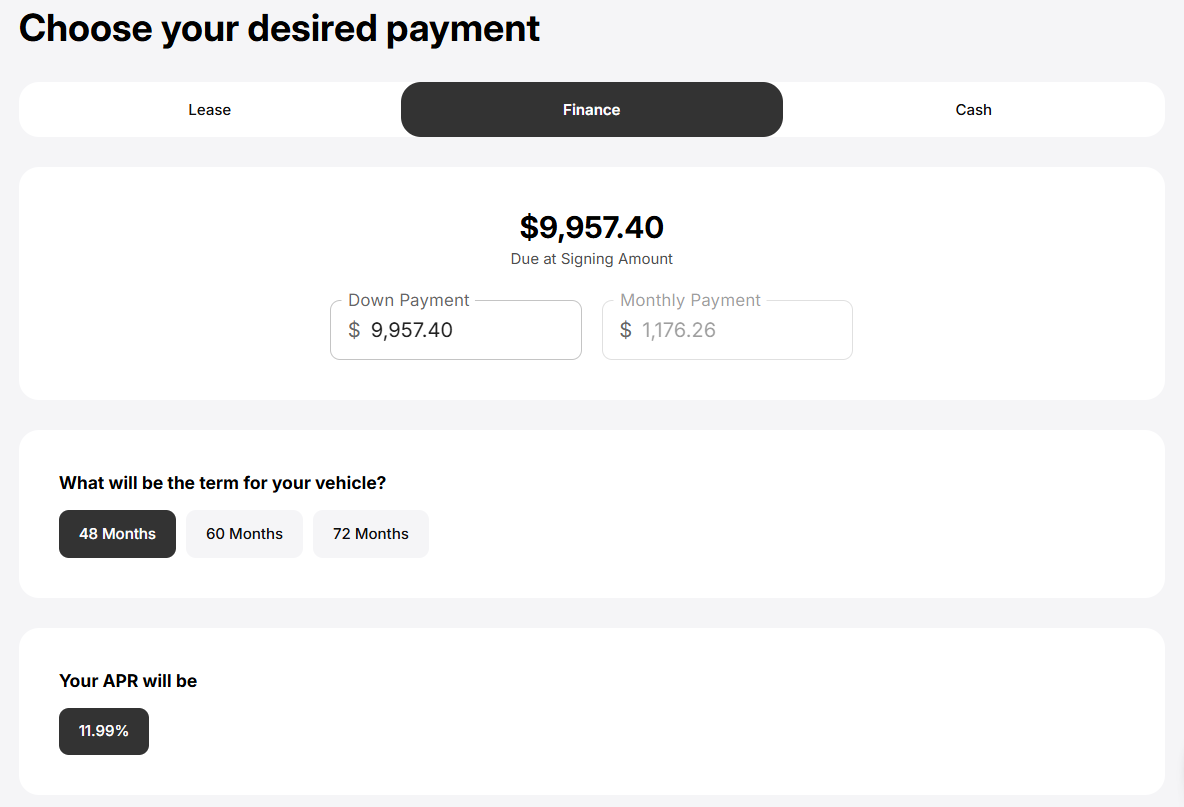
The calculation are based on the initial price of the asset, dealership defined parameters, and user selections. Drift will automatically update the Due and Signing amount, Down Payment, and Monthly Payment of the assets based on each user selection.
User can choose if they want the asset on:
- Lease
- Finance
- Cash
Some field of the Payment step on Drift may differ or missing entirely based on the selected asset.
For Lease and Finance, Drift allows user to set and modify:
- Down Payment
- The Term of Lease or Financing
- Credit Score
The range between which you can modify the Down Payment and Monthly Payment is set by the dealership and cannot be modified beyond the set limit.
Available term options of Lease and Financing may differ based on dealership and lender configuration.
You may see some extra fields and modification option based on your selection of lease or finance:
- For lease, you may see Usage Per Month.
- For finance, you may see an APR.
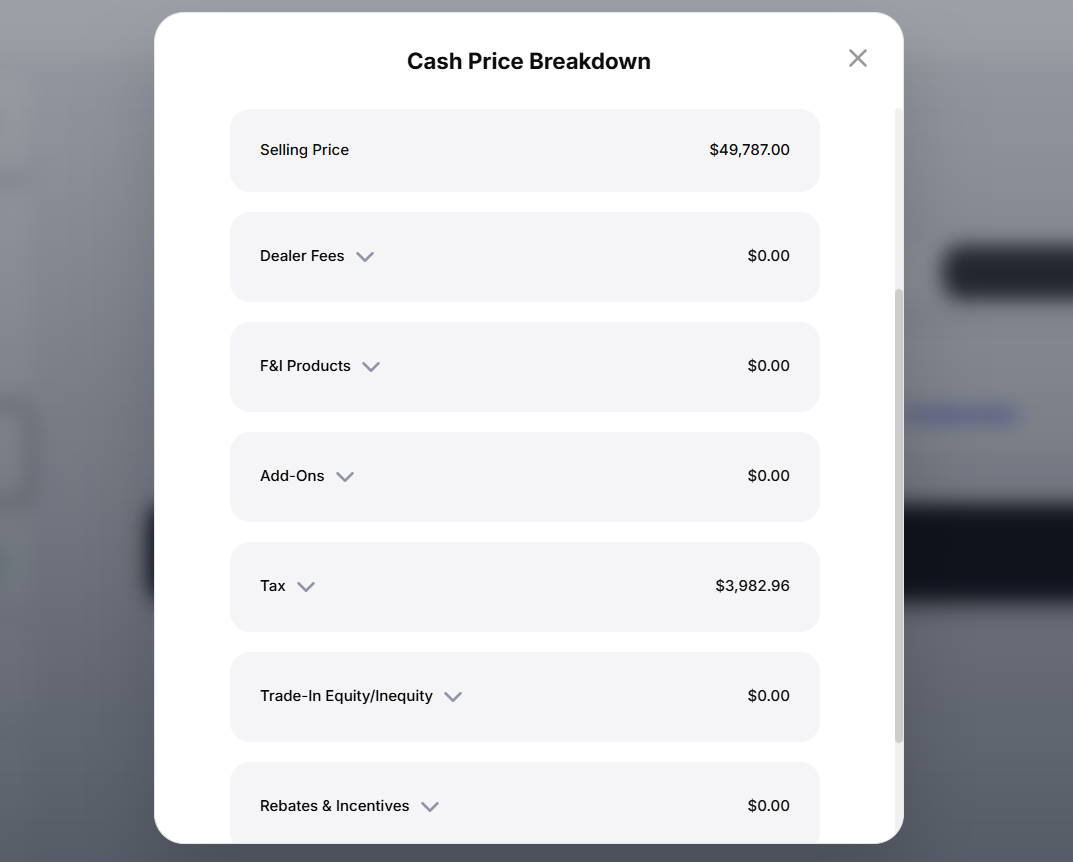
For Cash deals, the full amount of the asset needs to be paid along with any applicable Dealer Fees, F&I Products, Add-Ons, Tax, Trade-In Equity/Inequity, and Rebates & Incentive:
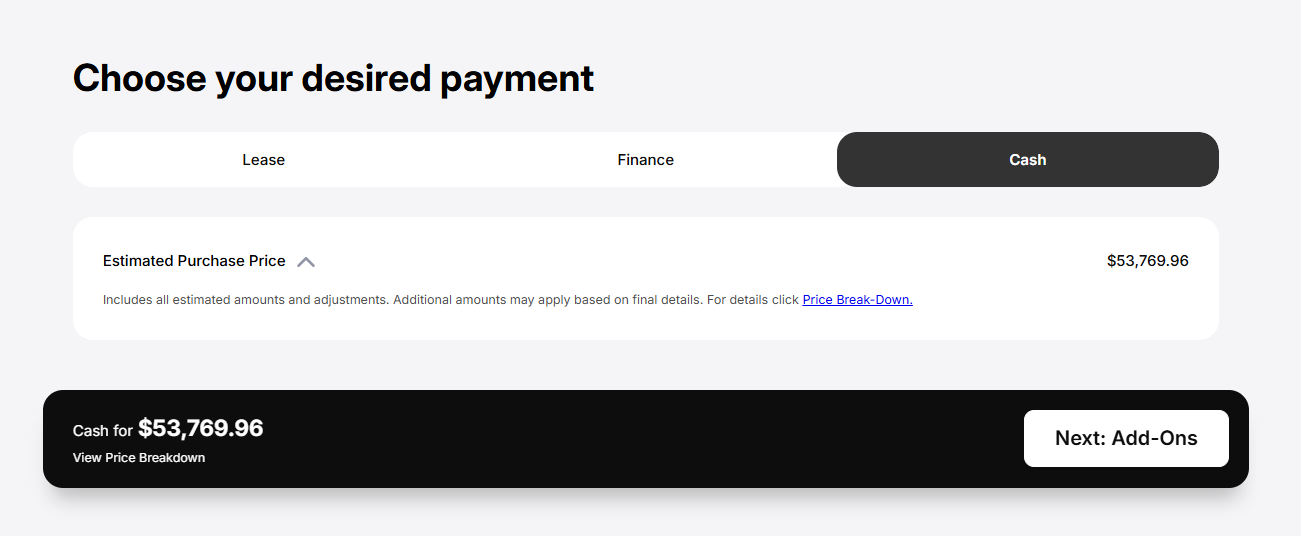
To view the detailed breakdown of the price, click the Price Break-Down link shown in the image above. This will open the Cash Price Breakdown popup: