Create Template
To create a template in Dock:
- Click Create Template from the main menu:

- Select the template type from the dropdown options:
- Word for document templates.
- SMS for text message templates.
- Email for email templates.

- Enter a name for the template in the Template Name field.
- For SMS and Email templates, use the built-in Template Editor to design the template. The built-in editor supports placeholders for dynamic data insertion.
- Click Save Template to save the template.
To create a Word template, Dock offers Collabora Online Development Edition (CODE) editor with a plethora of features to create and customize the template:
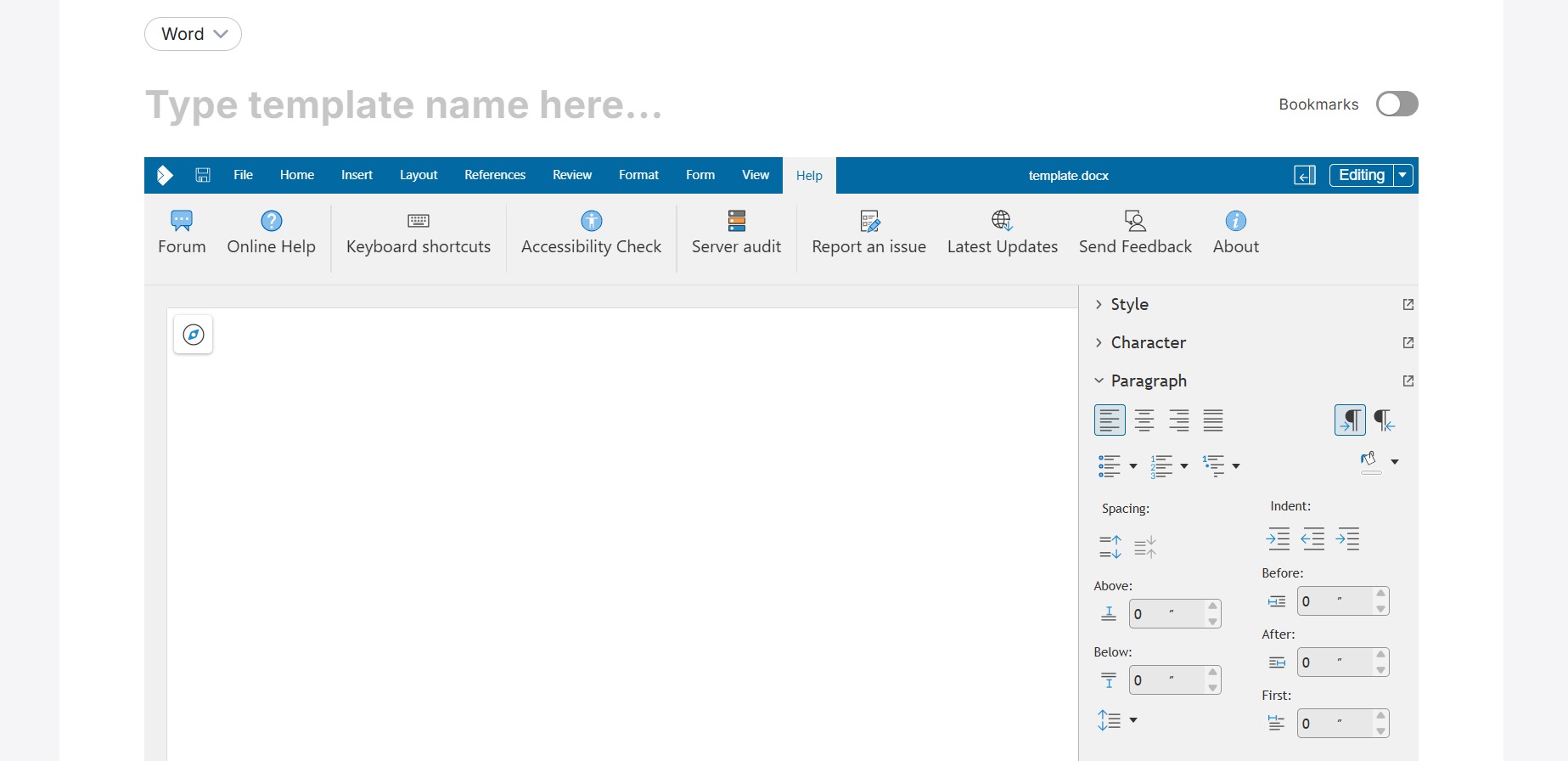
Use placeholders within the template editor to automate data population during document generation.