Upload Template
To upload a template in Dock:
You can upload PDF, DOCX, TXT, and HTML templates and documents.
- Select Upload Template from the main menu:

- Choose the Storage Type from the dropdown menu (e.g., S3):

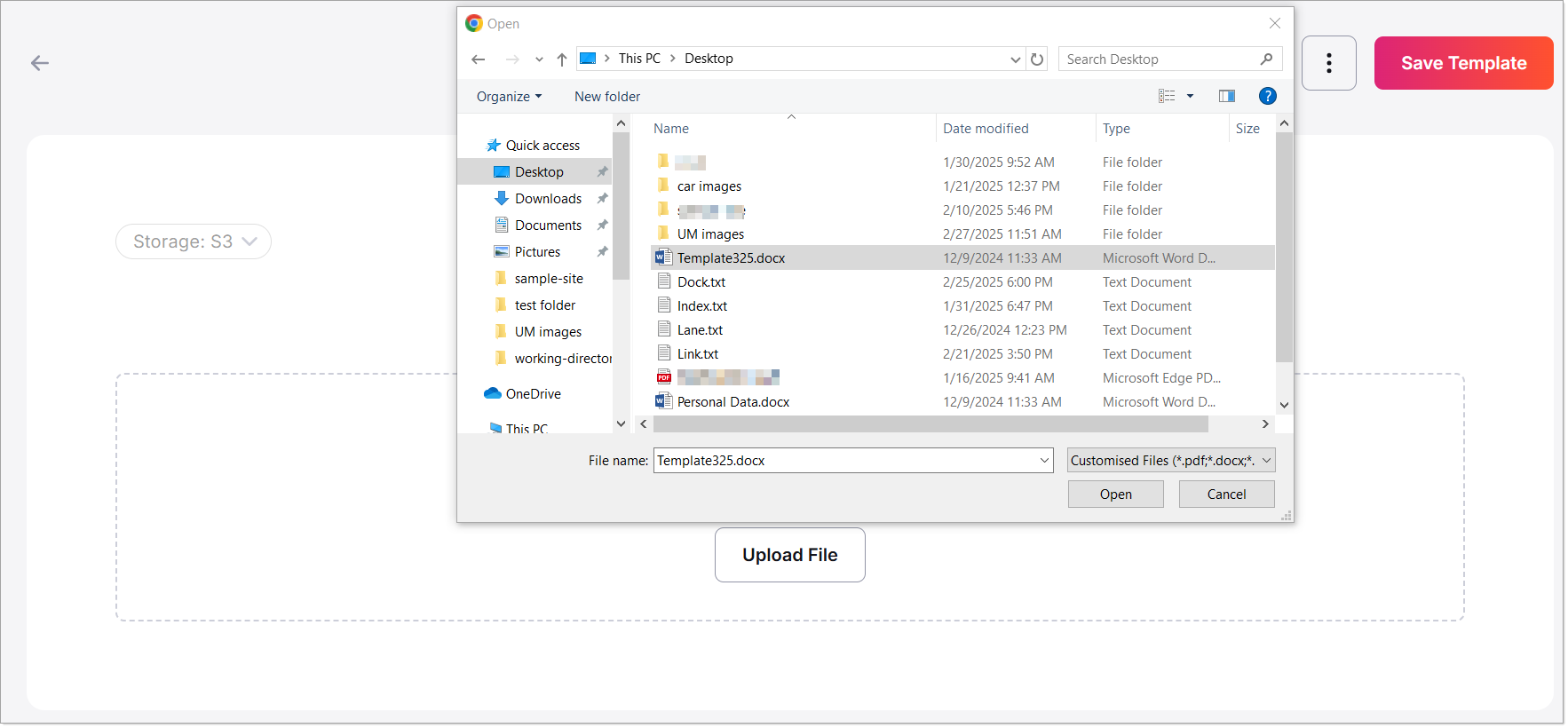
- Upload the template using one of the following methods:
- Drag and Drop: Drag the file into the upload area.
- Browse: Click the Browse button to select and upload a file from your system.