User Interface
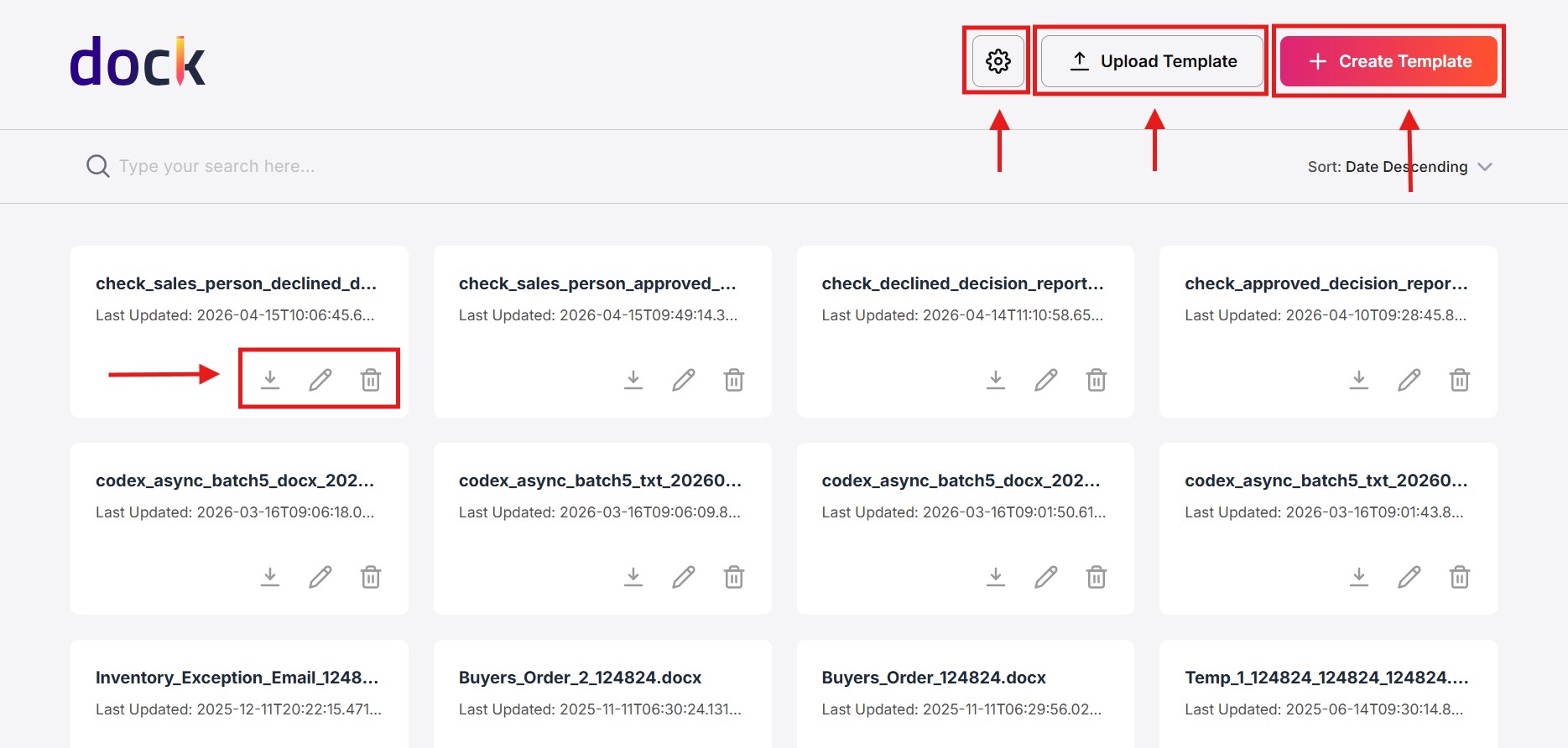
The Dock user interface is designed to provide an intuitive and efficient document generation experience. The main interface includes the following key sections:
- Storage Configurations: Configure storage options, access credentials, and region settings.
- Upload Template: Upload documents and templates using drag-and-drop functionality or file browsing.
- Create Template: Design templates for Word documents, SMS messages, and emails using a built-in editor.
- Template Management: View, search, sort, and manage existing templates with options to download, edit, or delete.
Any future updates in Dock interface will be documented and included in the Business Changelog section of the documentation.